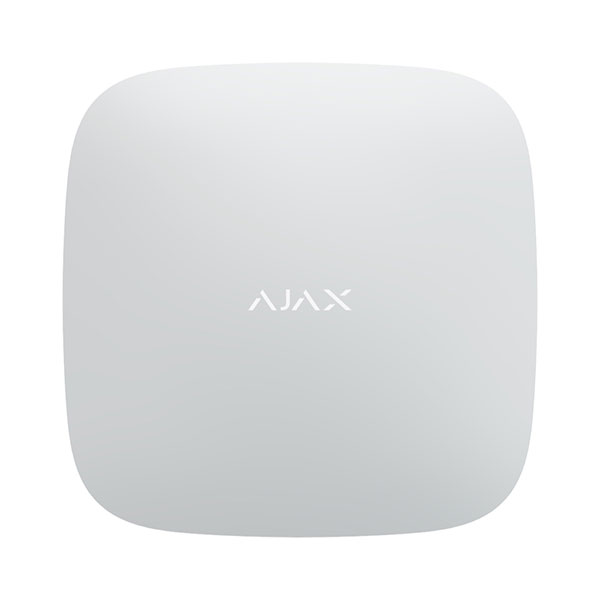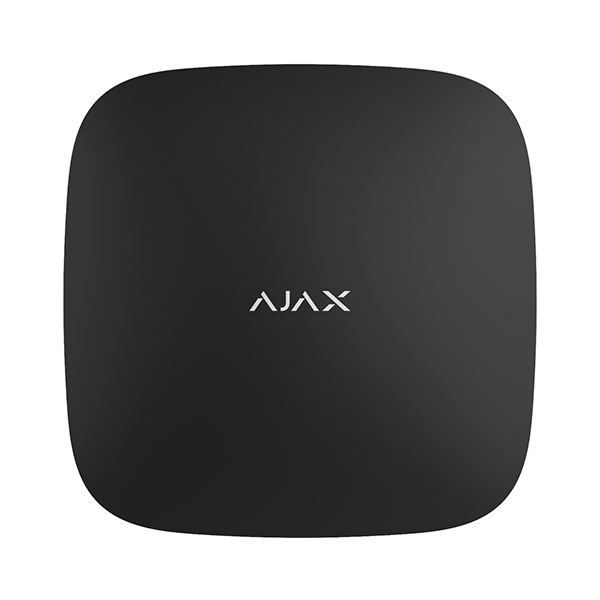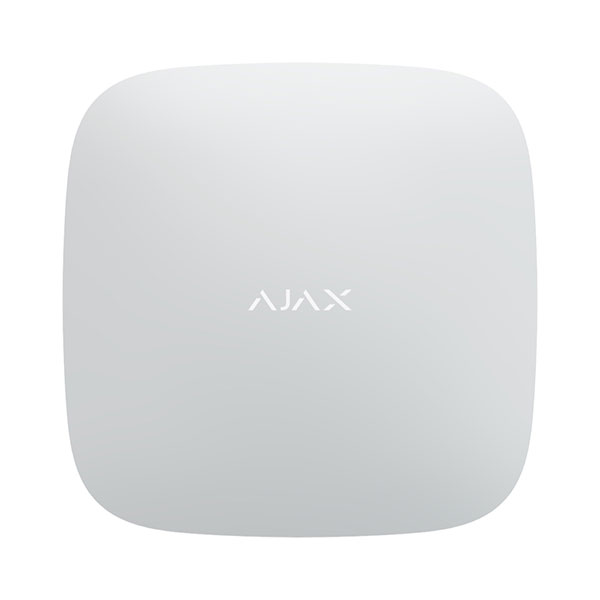





AJAX SYSTEMS AJ-DB-W, DOOR BELL WHITE
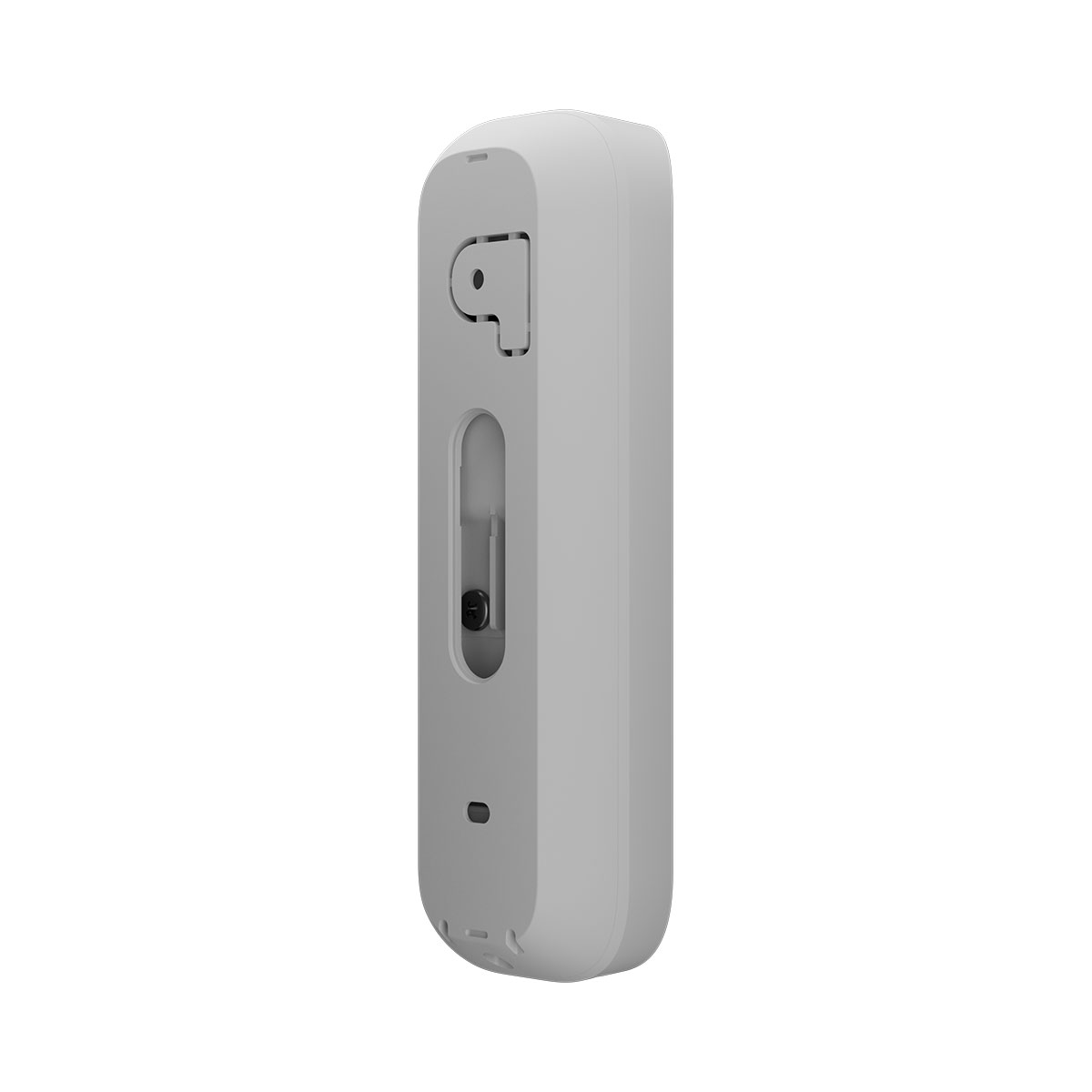
AJAX SYSTEMS AJ-DB-W, DOOR BELL WHITE
|
• Top-grade camera 155° 4 MP HDR |
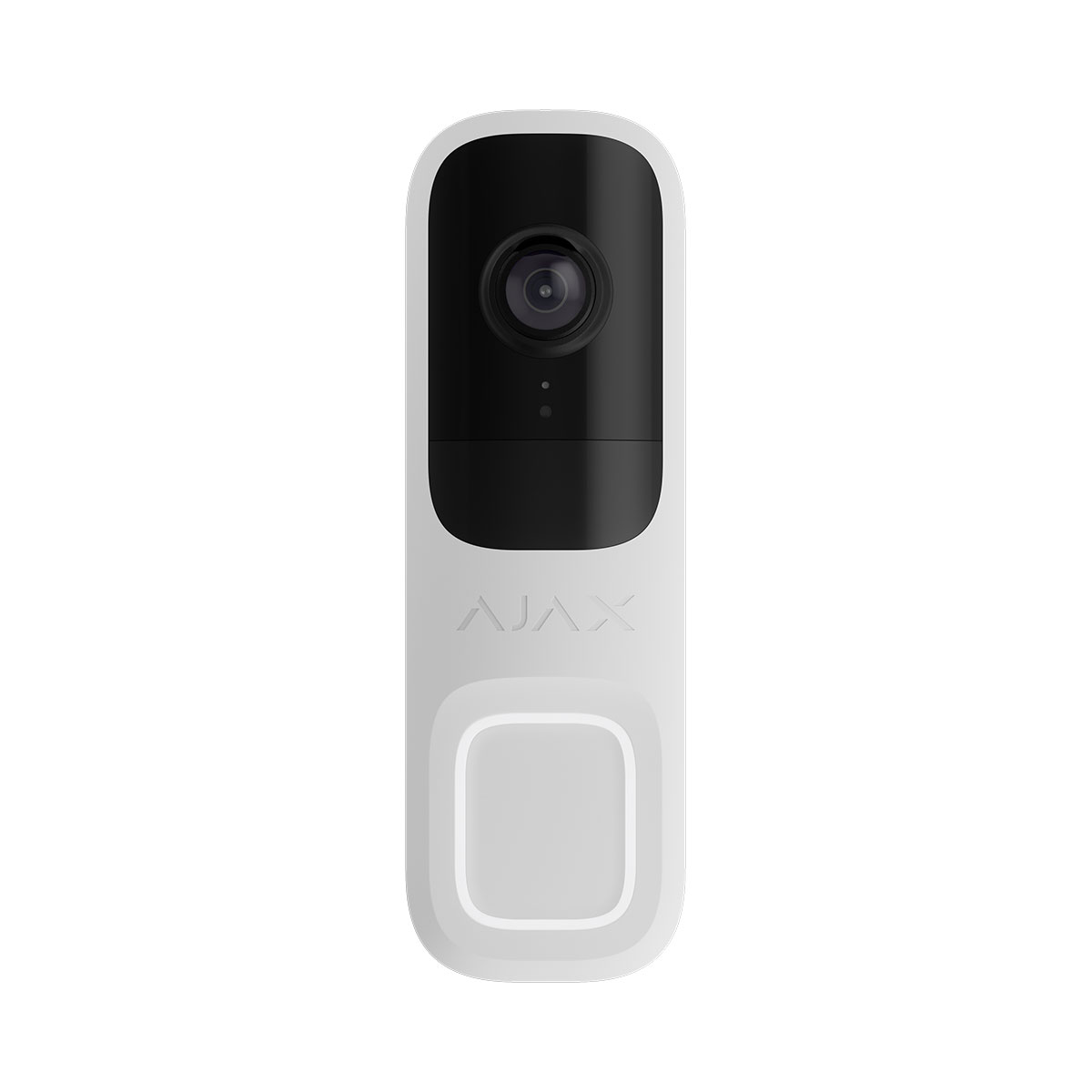
DoorBell is a video doorbell with built-in AI, PIR sensor, and control via apps. It features two-way voice communication, movement detection, and object recognition. With the doorbell, users can view archived videos, watch live streams, and talk with visitors near the device.
DoorBell is connected to the system via Wi-Fi and can be paired with a hub as a backup communication channel. The recorded videos can be stored on an Ajax NVR added to the same network or on the Ajax Cloud Storage archive according to subscription.
Operating principle
DoorBell features a large mechanical button, a camera with IR illumination, an LED indicator, as well as a microphone and a speaker for two-way communication. The device is used to see and communicate with a visitor who has rung the doorbell, as well as to monitor the situation at the entrance.
DoorBell has a camera that uses artificial intelligence (AI) for object recognition. Its algorithms can identify moving objects and distinguish people, animals, or vehicles.
The device features smart IR illumination, ensuring the capture of high-quality images even in low-light conditions. The device automatically adjusts the illumination intensity in real time to prevent overexposure, enabling clear visibility of objects that are either far away or too close to the device in low-light conditions.
To save the recorded videos, you need to add DoorBell to an Ajax NVR or activate the cloud archive.
DoorBell enables you to:
• Communicate with visitors who have pressed the DoorBell button.
• Watch the video in real time with the ability to zoom in for a closer look.
• Access archived videos, navigating through them based on recording chronology and the calendar (this feature is available if the device is connected to an Ajax NVR or the cloud archive is activated).
• Configure movement detection zones and adjust the sensitivity level.
• View the Video wall, which combines images from all connected cameras.
• Quickly access automation devices control from the cameras’ video player menu.
• Create video scenarios that send a short video from the selected camera to an Ajax app when the security detector is triggered.
• Download the required segments of video recordings from the archive to smartphones or PCs (this feature is available if the device is connected to an Ajax NVR or the cloud archive is activated).
• Configure connection via ONVIF to integrate the device with video management systems (VMS) such as Milestone, Genetec, and Digifort.
Video scenarios
An Ajax system allows the use of IP cameras for alarm verification. Video scenarios enable the substantiation of alarm triggers with the corresponding video from cameras installed at the facility.
Cameras can be configured to respond to alarms from a single device, multiple devices, or all connected devices. Combined detectors can register various types of alarms, allowing you to configure responses to a wide range of alarm types, whether it’s just one, several, or all of them.
You can also configure the sirens to activate when motion or a specific AI-recognised object is detected. When video devices detect motion or a specific AI-recognised object, the system automatically activates sirens added to the hub to sound an alarm.
Video wall
The user can manage videos on the Video wall tab, which is accessible once at least one camera has been added. This feature ensures quick access to all connected cameras, which are displayed in accordance with privacy settings.
In mobile Ajax apps, you can:
1. Switch between cameras.
2. Search for the desired camera by name.
3. Manage a PTZ camera.
In Ajax PRO Desktop, you can:
1. Switch between cameras.
2. Search for the desired camera by name.
3. Organize cameras by room, NVR, or group.
4. Manage a PTZ camera.
5. Save customized layouts for displaying video from cameras.
6. Change the order in which the camera video is displayed.
7. Create templates for displaying videos in a slideshow.
Privacy zones
The system allows hiding parts of the frame. For instance, if a sensitive area or object is in view, activity around it can be recorded without revealing its contents by setting up the right zone. No motion or object will be detected and recorded in the privacy zone.
In-app phone calling
The in-app phone calling feature is designed to make a native phone video call when somebody rings the doorbell, allowing you not to miss any visitor. When the DoorBell button is pressed, the system initiates a call through the Ajax app, which looks like a regular incoming call that you accept or decline.
Once accepted, the app opens a live stream from the device, allowing you to see and communicate with the visitor. You can turn the smartphone or desktop speaker and microphone on and off, control automation devices, and end the call.
A space admin or a user with access to configure system settings can activate the in-app phone calling feature separately for each user in the space in their Notifications settings. Additionally, such a user with this feature activated must have the right to view a live stream on DoorBell.
On-screen display (OSD)
On-screen display (OSD) allows you to overlay additional information on the camera video. You can display the current date, time, date and time, or custom text. OSD elements are shown on live video and recordings. You can add up to four OSD elements to a single video stream.
For the Custom text element, you can enter up to 48 characters, including Latin and Cyrillic letters, numbers, and special characters.
To add an OSD element:
1. In the device list, select the required camera.
2. Open the camera settings.
3. Go to On-screen display (OSD).
4. Tap Add element and select the required element type.
5. Select the required position on the screen: top left, top right, bottom left, or bottom right.
6. Configure the settings for the selected element type:
• Date and time: select the date and time formats.
• Date: select the date format.
• Time: select the time format.
• Custom text: enter the text to display.
7. Select the required overlay text size.
8. Tap Save.
If needed, you can edit or delete an OSD element.
Operating with an Ajax hub
The system allows configuring a backup communication channel for the device so that the device continues to transmit events and alarms if the Wi-Fi network is down or lost.
The backup communication channel involves adding the device to the hub, which allows it to communicate via Jeweller and Wings radio protocols. The device can transmit alarms, events, and photo verifications using these protocols to keep you informed. However, live streams and archived recordings for the period when the Wi-Fi connection was lost will be unavailable.
Jeweller and Wings data transfer protocols
Jeweller and Wings are wireless data transfer protocols that provide fast and reliable two-way communication between the hub and devices. The device uses Jeweller and Wings as a backup communication channel to transmit events and photos.
| Specifications | |
| Video stream |
|
| Camera | 4 MP CMOS sensor |
| Resolution | up to 2688 × 1520 px |
| Camera viewing angles |
horizontal: 155° vertical: 90° |
| Video protocol | JetSparrow Fast and encrypted peer-to-peer video protocol developed by Ajax Systems. |
| Storage options | NVR |
| Video codec | H.264 |
| Dynamic range | HDR Improves the accuracy of detail in bright and dark scenes. |
| Communication channel |
|
| Wi-Fi | 802.11 b/g/n module 2.4 GHz |
| Jeweller and Wings communication technologies | Proprietary wireless communication technologies to transmit commands, alarms, events, and photo verifications. They serve as a backup communication channel when the device is added to the hub. |
| Key features |
|
| Two-way communication | Clear and loud voice communication between users and visitors near the device. |
| Motion detection | The device detects movement using a built-in PIR sensor and software image frame analysis. |
| Object detection |
using AI • People. |
| Smart IR illumination | up to 6 m |
| Visual verification of Ajax alarms | The system allows you to set up a scenario when Ajax detectors activate selected cameras to start recording. The result is immediately sent to the mobile or desktop monitoring app. |
| ONVIF® | conformant with ONVIF® Profile S |
| Microphone | For two-way communication and sound recording at the site. |
| Audio codec | G722 |
| Audio processing | Always active noise suppression and echo cancellation. |
| PIR detection |
|
| Sensitive elements | 1 × PIR sensor |
| Motion detection distance | up to 4 m |
| Motion detection angle |
horizontal: 120° |
| Sensitivity |
3 levels |
| Installation recommendations |
It is recommended to install the device at a height of 1.2–1.5 m. The device is designed for outdoor and indoor use. It is not recommended to install the device in direct sunlight. This may cause overheating and damage to the device's electrical components. |
| Sabotage protection |
|
| Tamper alarm | Notifications of attempts to remove the device from the mounting panel. |
| Holding screw | secures the device on SmartBracket |
| mTLS | Encrypted connection for data protection. |
| Authentication | Without local access rights. |
| Secure Boot | Protection against firmware spoofing. |
| OTA signature verification | Secure automatic firmware update. |
| Communication loss detection |
Wi-Fi: can be set from 30 s Jeweller/Wings: after 36 s |
| Power supply |
|
| Device power consumption | 10 W |
| Main DC voltage range | 12–24 V⎓ |
| Main AC voltage range | 16–24 V~, 50/60 Hz |
| Minimum current |
wired chime is not connected: 1 A for 12 V⎓ 3 A for 12 V⎓ |
| Battery |
built-in rechargeable battery: Li-ion 600 mАh Intended to heat the device in a cold climate and provide a backup power supply for short periods. |
| Enclosure | |
| Dimensions | 145 × 47 × 34 mm |
| Weight | 163 g |
| Operating temperature range | from −25 °C to +60 °C |
| Operating humidity | up to 90% |
| Protection class | IP54 |
| Complete set |
DoorBell SmartBracket mounting panel Wedge bracket (2 pcs) BellKit (for connection to a wired chime) Installation kit Quick start guide |

Caution! According to current Greek Legislation, of N.F.B.A.R. and the provisions of the P.D. 98/2017 the lawful use of this product in the frequency band 2400 – 2483,5 MHz, provides for a maximum transmit power of 100mW e.i.r.p.
At this maximum power the output power of the transmitter and the gain of the antenna are both taken into account. Responsible for spectrum surveillance is H.T.P.C.
This product is CE marked, P.D. 98/2017
This product is intended for outdoor use.