 1.png)









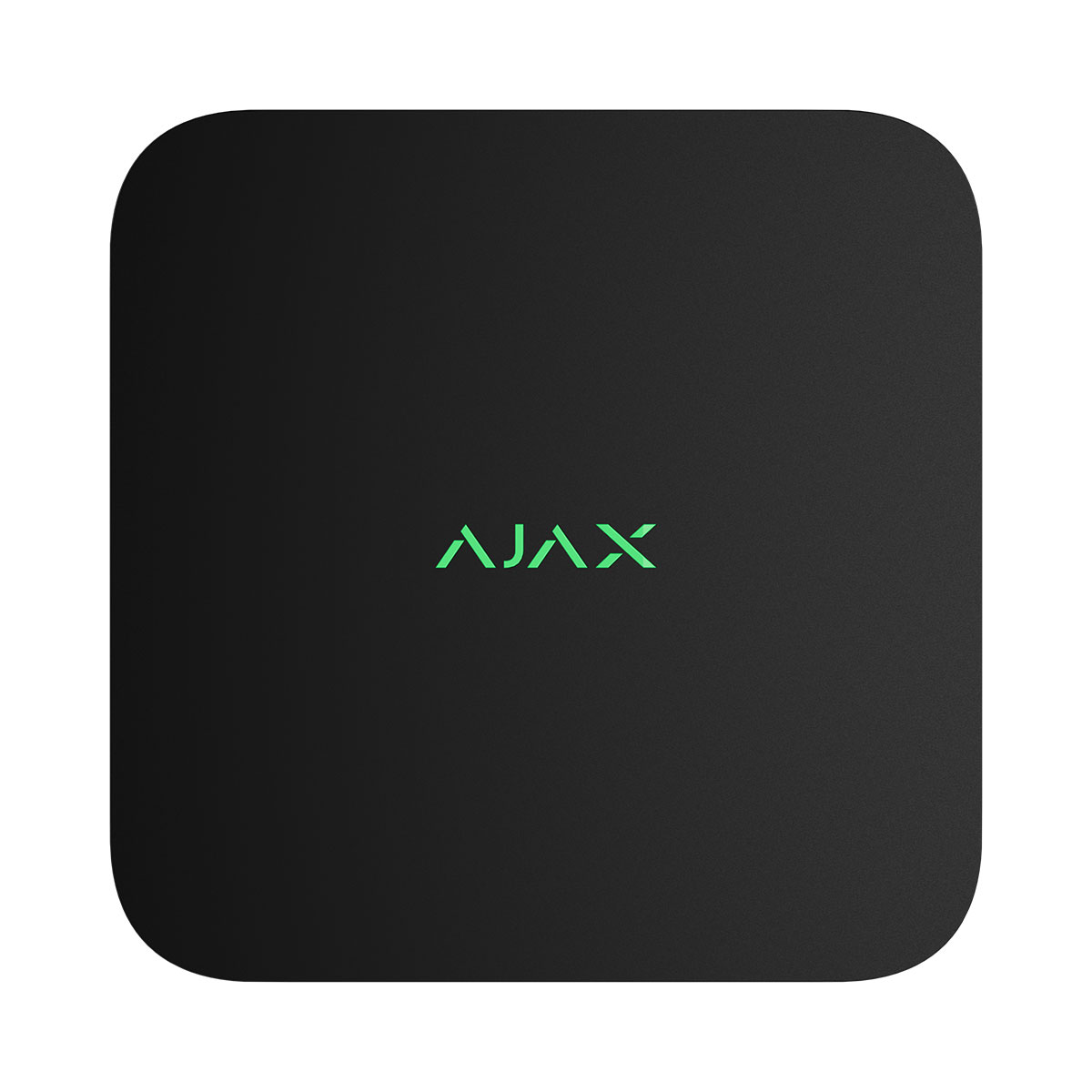
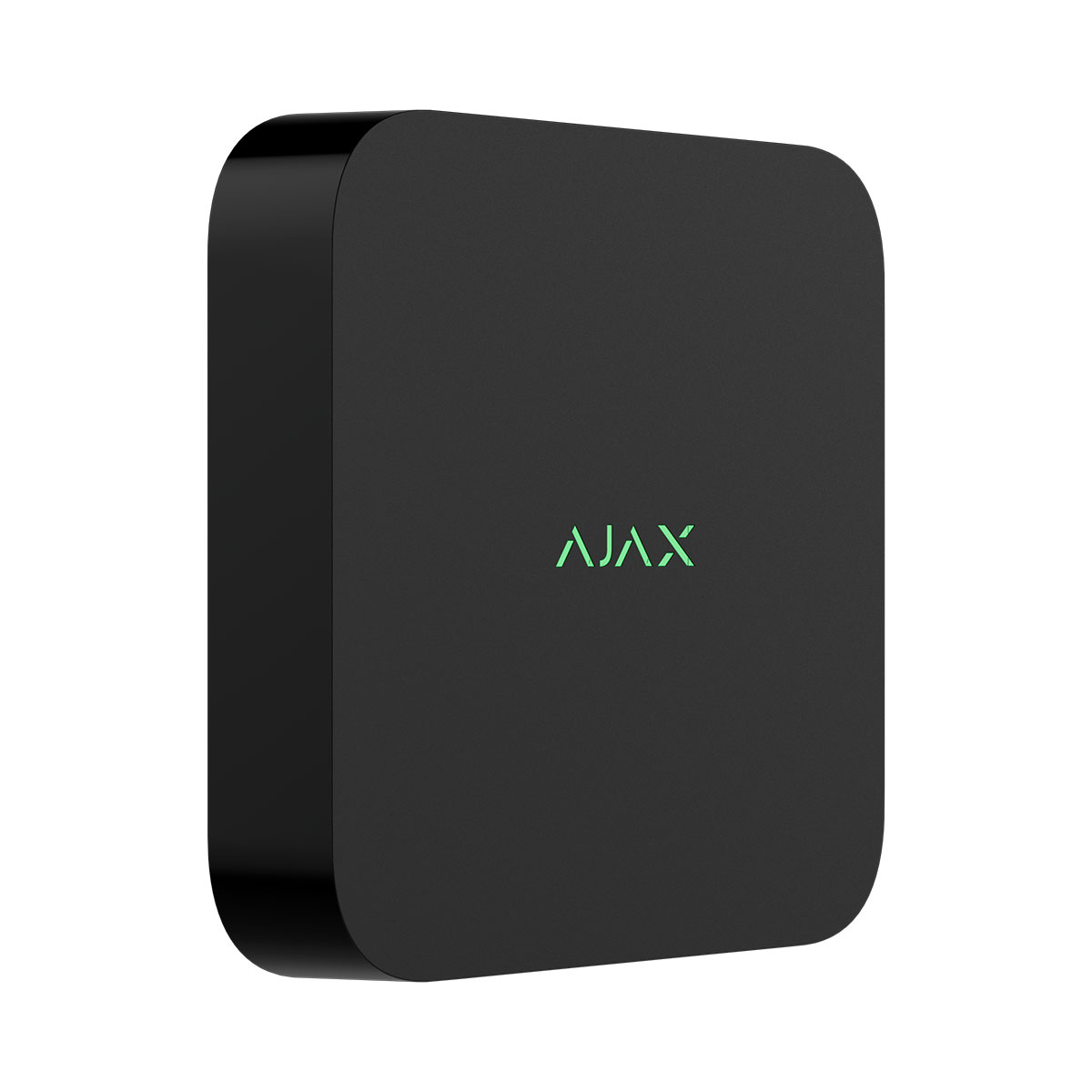
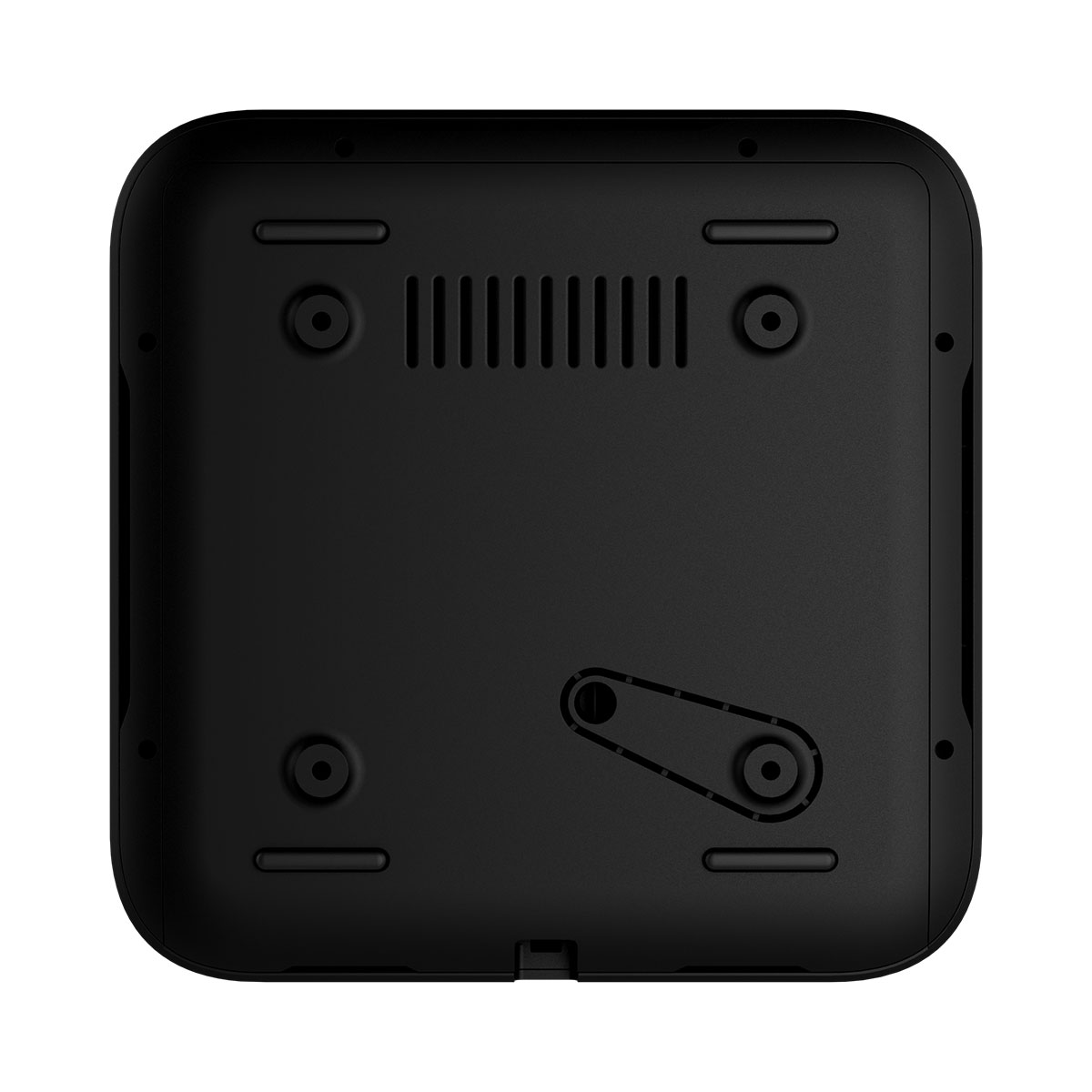
NVR is a network video recorder for home and office video surveillance. You can connect Ajax cameras and third-party IP cameras to the device. The user can view archived and live videos in Ajax apps. NVR records the received data with corresponding settings and a hard drive (not included). If the hard drive is not installed, the video recorder is used only for integrating third-party IP cameras into the Ajax system. NVR provides users with video alarm verification.
Operating principle
NVR is a video recorder for connecting third-party IP cameras that have ONVIF and RTSP protocols and Ajax cameras. Allows you to install a storage device with a memory capacity of up to 16 TB (not included in the NVR package). Also, NVR can work without a hard drive.
NVR enables:
- Add and configure IP cameras (camera resolution, brightness, contrast, etc.).
- Watch video from added cameras in real-time with the ability to zoom.
- Watch and export videos from the archive, navigating by the recording chronology and calendar (if the hard drive is connected to the video recorder).
- Choose how to detect motion in the frame — on the camera or on the NVR.
- Configure motion detection on NVR (detection zones, sensitivity level).
- View the Video wall that combines images from all connected cameras.
- Create video scenarios that send a short video from the selected camera to the Ajax app when the detector is triggered.
- Configure connection via ONVIF to integrate the device with video management systems (VMS) such as Milestone, Genetec, Axxon, and Digifort.
NVR is designed for indoor installation. We recommend installing the video recorder on a flat horizontal or vertical surface for better heat exchange of the hard drive. Do not cover it with other items. The device is equipped with a tamper. The tamper reacts to attempts to break or open the lid of the casing, reporting the activation through Ajax apps.
| Specifications | |
| Videostream |
|
| NVR models | 16-channel With up to 4K resolution (25/30 FPS). |
| IP cameras | • ONVIF (Profile S/T) • RTSP |
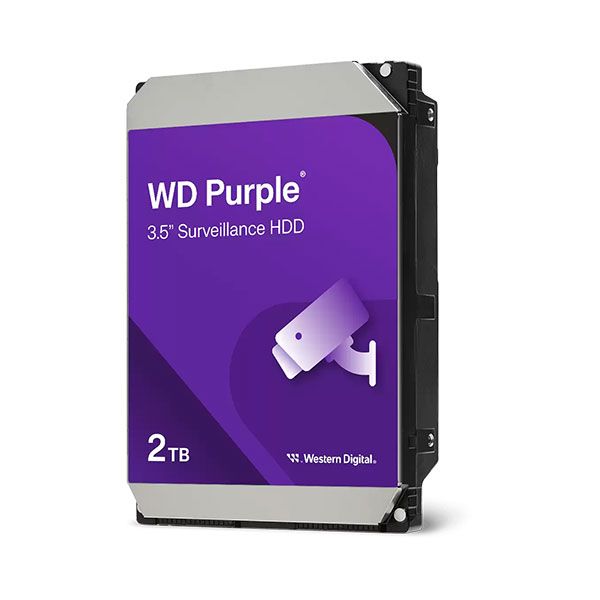
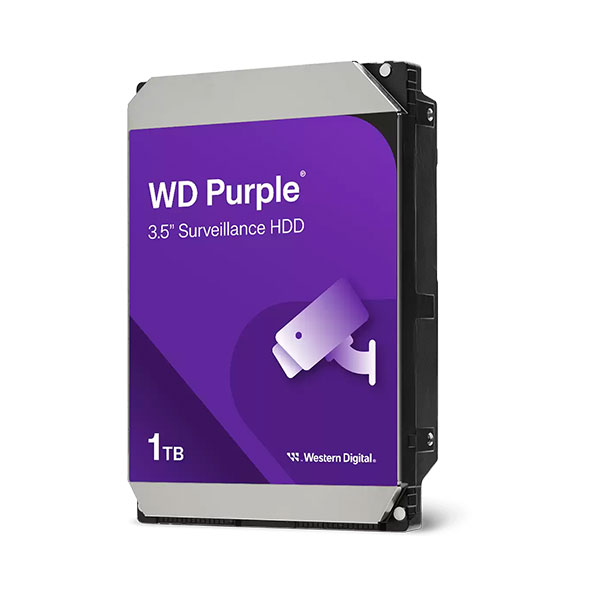
| Storage | 1 × drive with up to 16 TB capacity (SATA interface, 2.5″ or 3.5″ form factor). HDD or SSD is not included. Supports drives with power consumption of up to 7 W. |
| Decoding formats | H.265, H.264 |
| Bandwidth | up to 100 Mbps |
| Communication channels | |
| Ethernet | up to 100 Mbps |
| Bluetooth |
BLE frequency band: 2.400–2.4835 GHz
To set up an Ethernet connection.
|
| Radio signal power | 2.5 mW (100 mW limit) |
| Key features |
|
| Motion detection | NVR has built-in software to detect the motion in the frame. |
| In-app video management system | • Videowall that combines images from all connected cameras. • Event filters. • Timeline with smooth preview. |
| Visual verification of Ajax alarms | NVR allows setting up a scenario in which Ajax detectors trigger specific cameras to start recording. |
| Support for ONVIF authorization | Profile S Profile T (partially) |
| Privacy | Access rights distribution for users in mobile apps and for monitoring operators in PRO Desktop. |
| Power supply | |
| Main | 110–240 V~, 50/60 Hz, 0.6 A Up to 24 W of mains power consumption. |
| Backup | CR2032 battery, 3 V Only to power the system clock. |
| Sabotage protection | |
| Tamper alarm | Notifications about attempts to detach the device from the surface or remove it from the mounting panel. |
| Enclosure | |
| Dimensions | 193 × 193 × 47 mm |
| Weight | 615 g |
| Operating temperature range | 0°C to +40°C |
| Operating humidity | up to 75% |
| Protection class | IP20 |
| Package contents |
NVR
SmartBracket mounting panel
Power cable
Ethernet cable
Installation kit
Quick start guide
|