











|
• Local video monitoring |
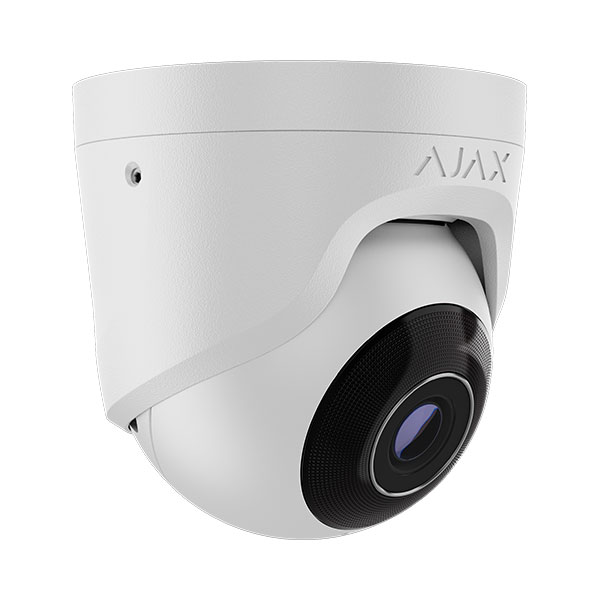
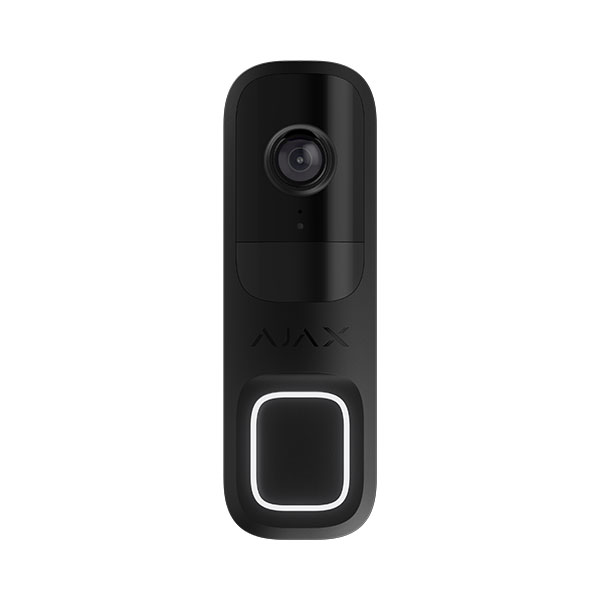
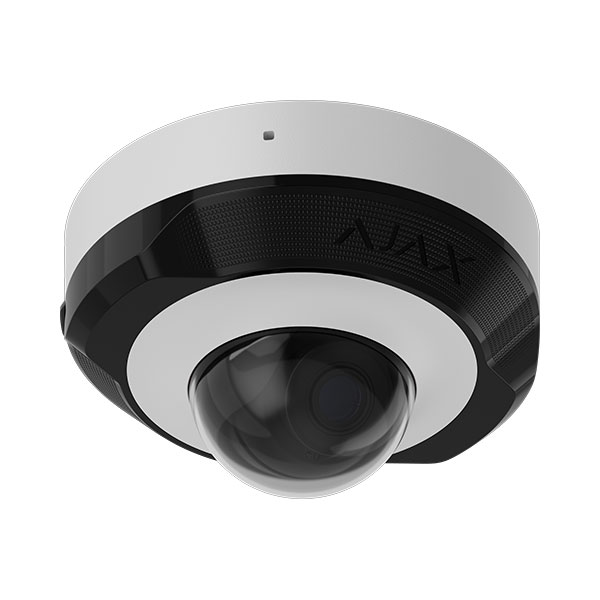
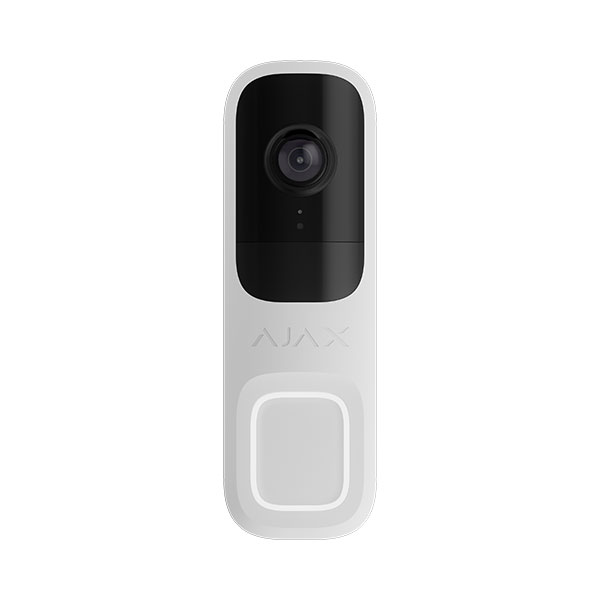
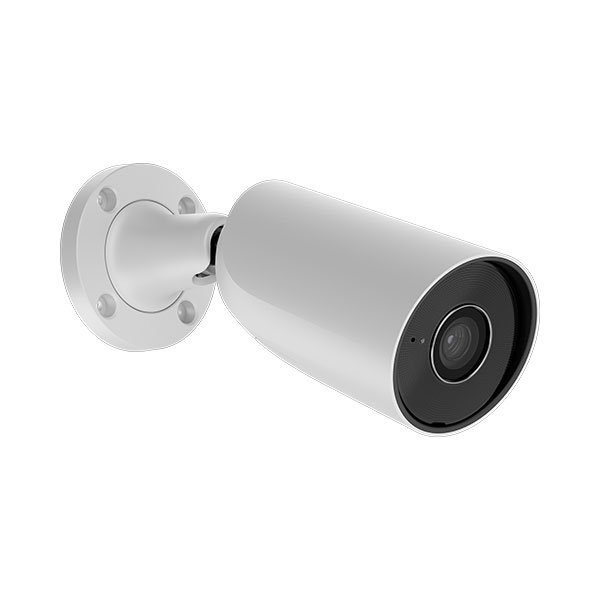
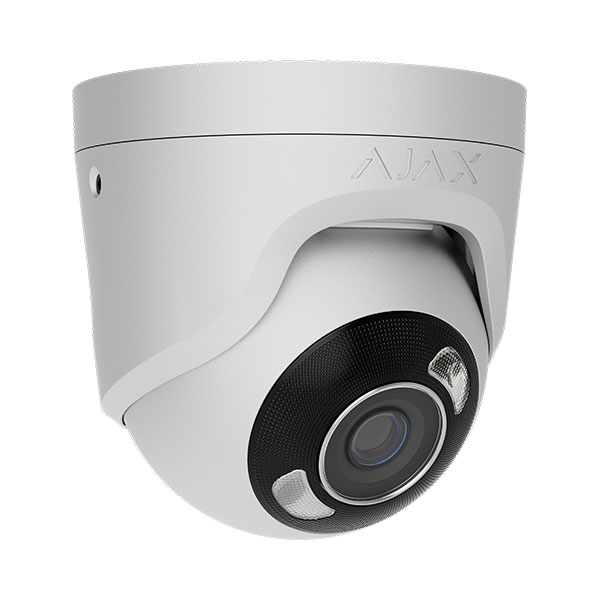
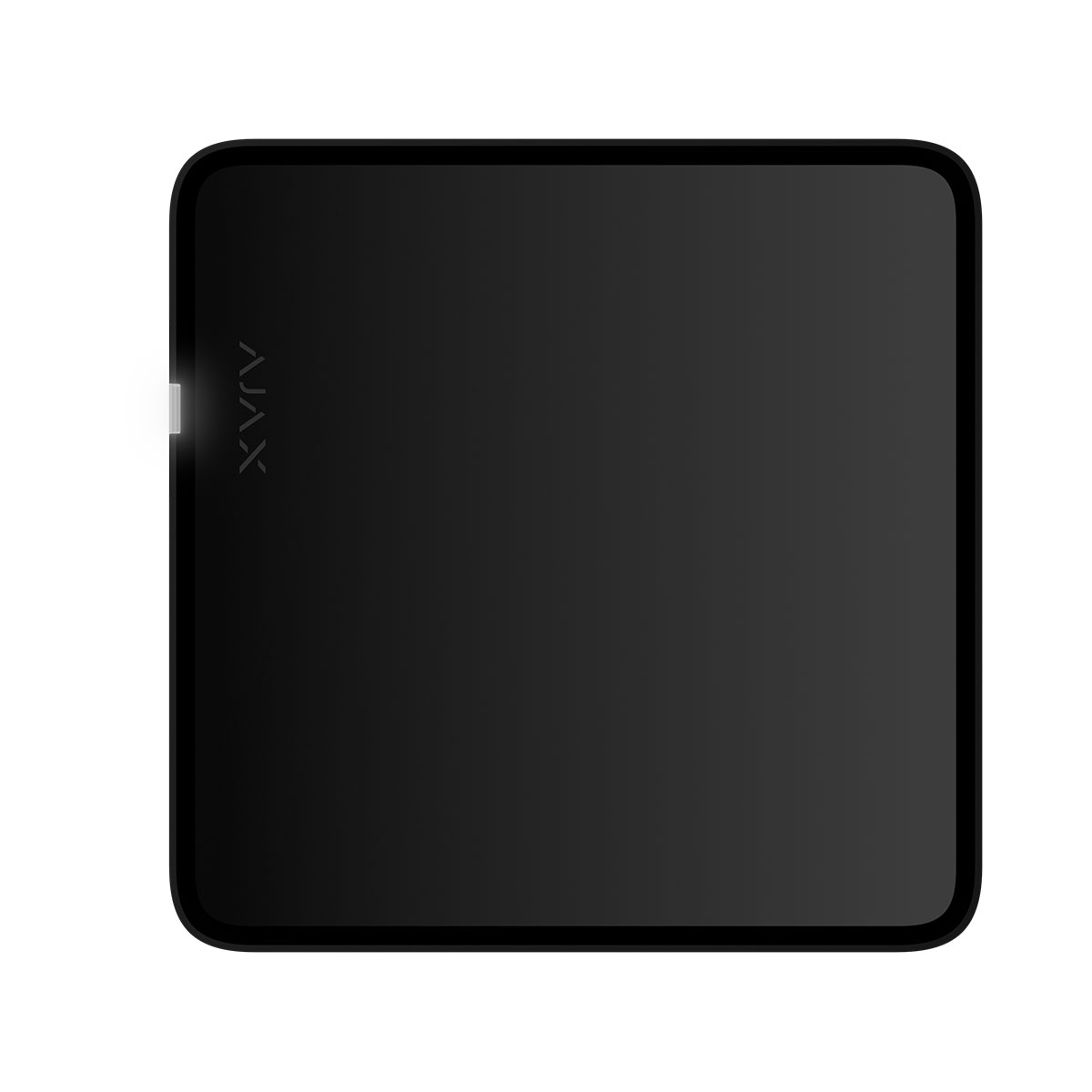
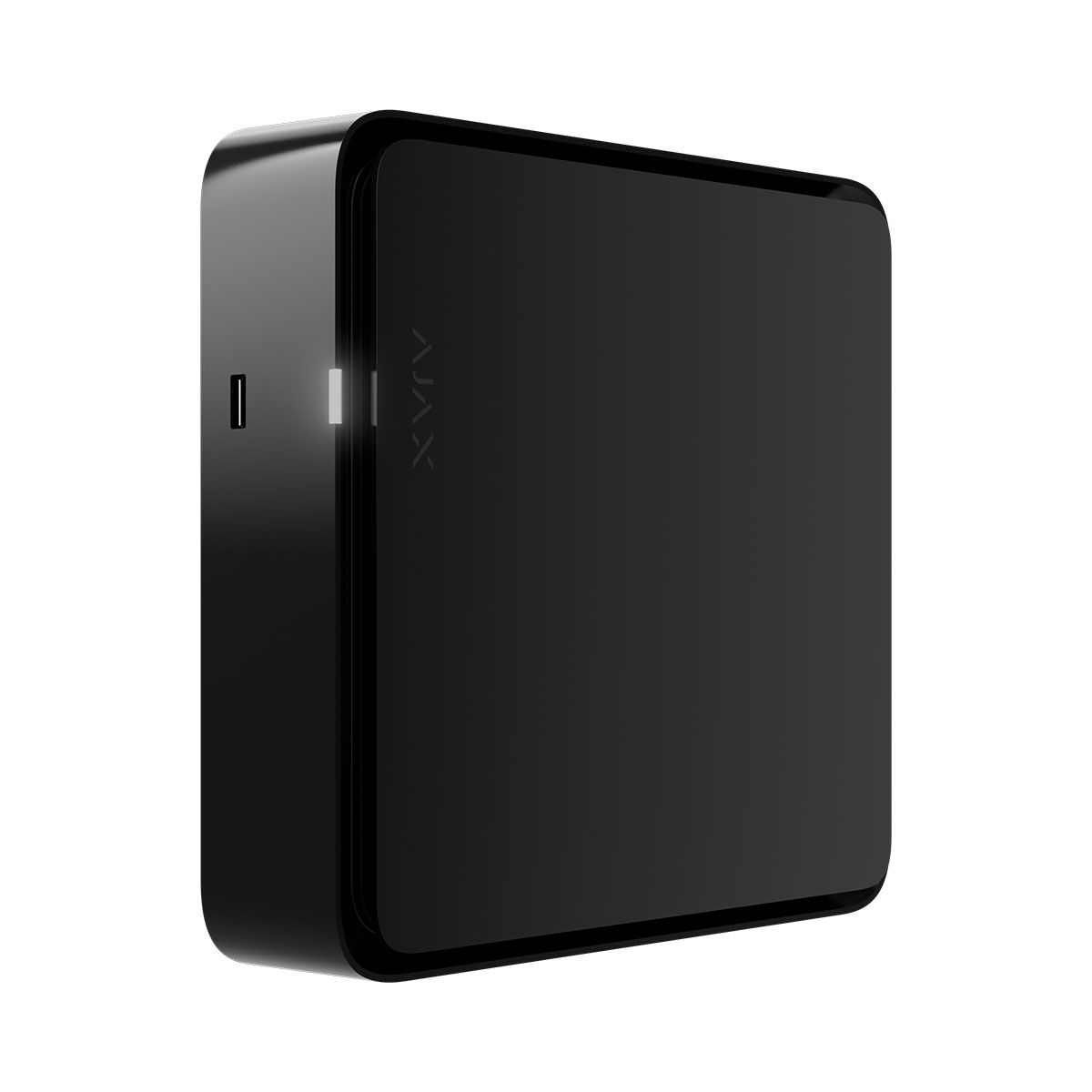
NVR H is a network video recorder with HDMI output for home and office video surveillance. You can connect Ajax video devices and third-party IP cameras to the device.
Users can view archived and live footage in Ajax apps or on a display connected via the HDMI output. NVR H records the received data with corresponding settings and a hard disk drive or solid-state drive (not included). If the storage device is not installed, the video recorder is used only for integrating third-party IP cameras into the Ajax system. NVR H provides users with video alarm verification.
To set up NVR H, an internet connection is required. The video recorder connects to the Ajax Cloud service via Ethernet using the corresponding connector.
Operating principle
NVR H is a video recorder for connecting third-party IP cameras that have ONVIF and RTSP protocols and Ajax video devices. Allows you to install a storage device with a memory capacity of up to 16 TB (not included in the NVR H series package). Also, NVR H can work without a storage device.
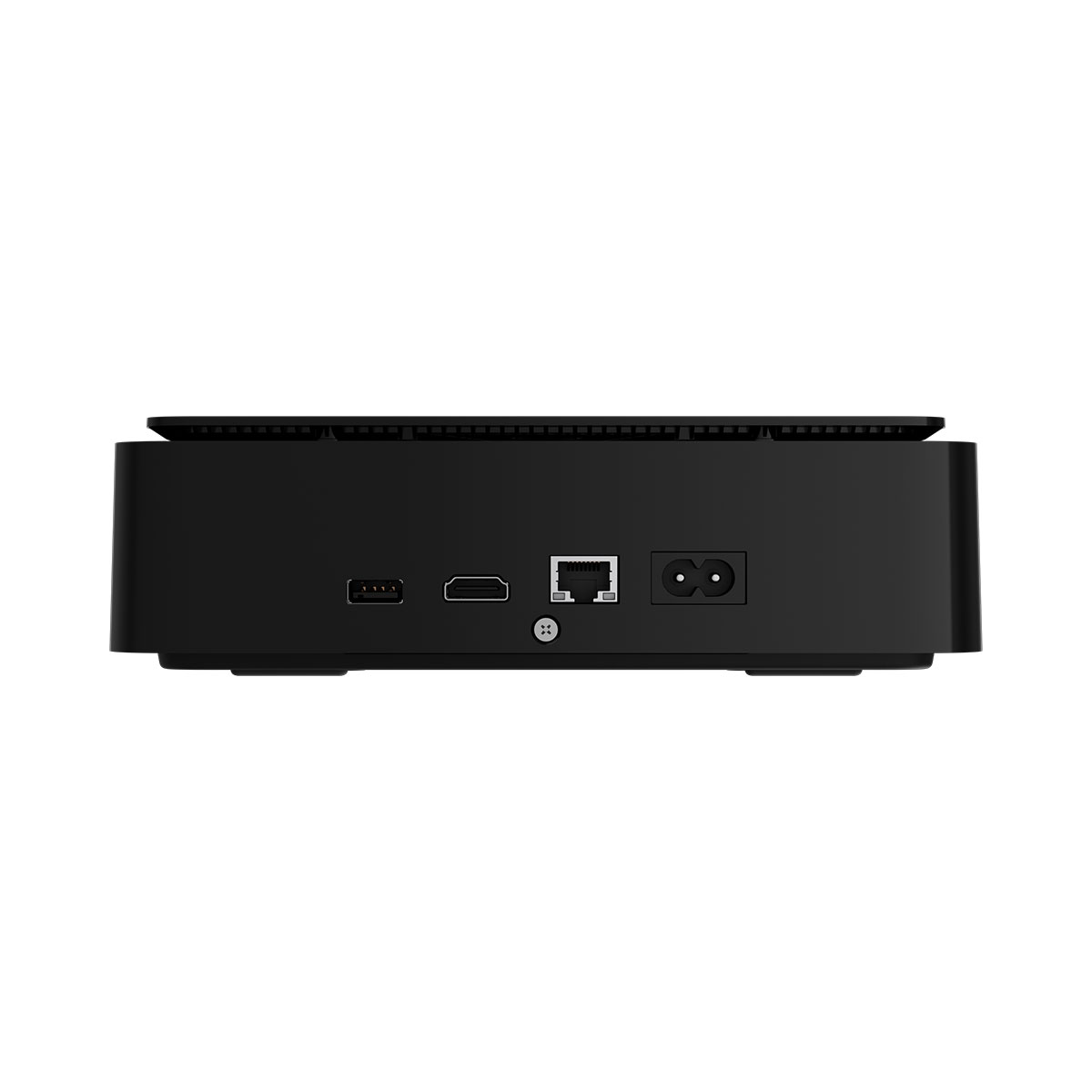
NVR H series features an HDMI output that allows video from connected cameras to be viewed on a display, even when the video recorder is not connected to the internet.
NVR H has two USB 2.0 (Type-A) ports for connecting a keyboard, mouse, or USB flash drive. The maximum output current is 500 mA per port. If the connected device requires more power to operate, provide an external power supply for that device.
The video recorder has a built-in accelerometer that detects if the device has been moved. When the accelerometer is activated in the settings and detects any change in the NVR’s position, the system sends a notification that the device has been moved. This feature can be configured in the Tampering attempt notifications device settings.
NVR H series enables users to:
1. Add and configure IP cameras (camera resolution, brightness, contrast, etc.).
2. Watch video from added cameras in real-time, both locally and in Ajax apps, with the ability to zoom.
3. Watch and export videos from the archive locally and in Ajax apps, navigating by the recording chronology and calendar (if the storage device is connected to the video recorder).
4. Choose how to detect motion in the frame — on the camera or on the NVR H.
5. Configure motion detection on NVR H (detection zones, sensitivity level).
6. View the Video wall that combines images from all connected cameras.
7. Create video scenarios that send a short video from the selected camera to the Ajax app when the detector is triggered.
8. Configure connection via ONVIF to integrate the device with video management systems (VMS) such as Milestone, Genetec, and Digifort.
9. Create local users and manage their access to the cameras and recorded videos.
10. Watch videos in real-time and playback recorded videos locally on a display connected to the video recorder via the HDMI output.
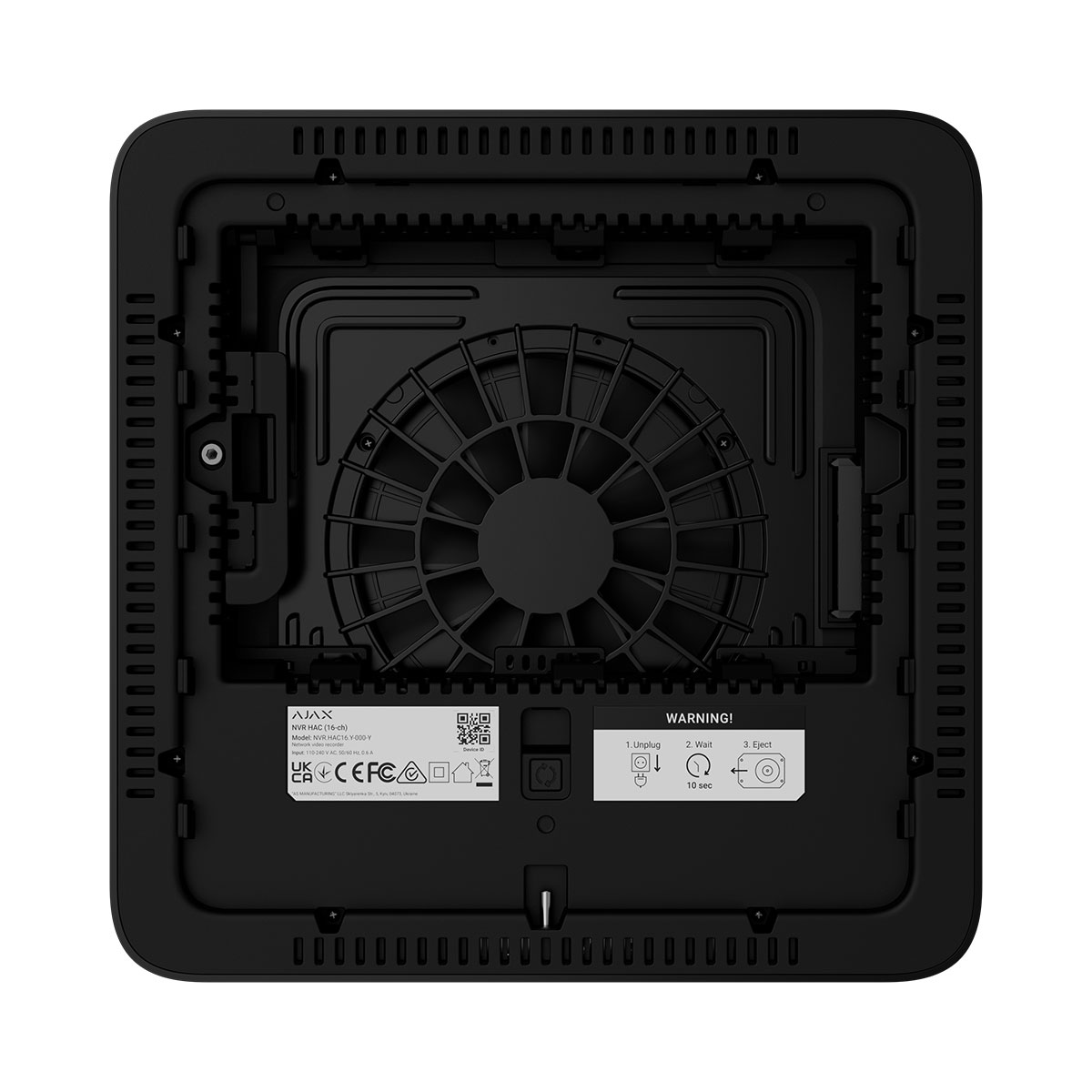
NVR H is designed for indoor installation. We recommend installing the video recorder on a flat horizontal or vertical surface for better heat exchange of the storage device.
Do not cover it with other items.
JetSparrow data transfer protocol
JetSparrow is Ajax proprietary video transmission technology that provides encrypted real-time video streaming for users who are watching live video and archive recordings on any Ajax video device.
JetSparrow uses mutual Transport Layer Security (mTLS) to authenticate communication between devices and ensure secure data transmission. The technology provides fast access to live video and enables smooth navigation through video archives by automatically switching between available video streams to maintain uninterrupted playback and minimize latency.
Selecting the device location
It is advisable to choose an installation site where NVR H is hidden from prying eyes, for example, in the pantry. It will help to reduce the likelihood of sabotage. Note that the device is intended for indoor installation only.
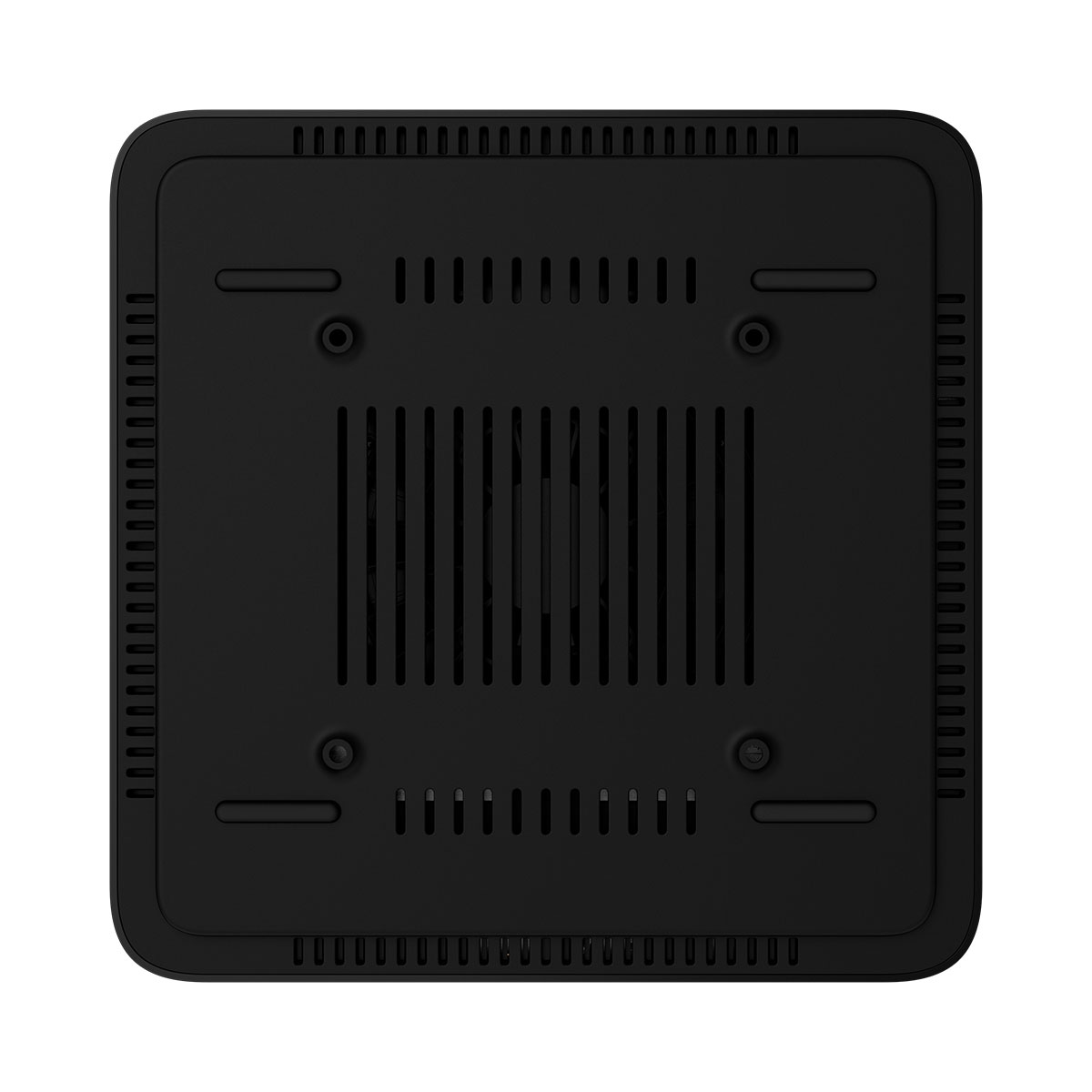
The device is housed in a compact casing with active cooling. If NVR H is installed in insufficiently ventilated rooms, the operating temperature of the memory drive may be exceeded. Choose a hard, flat horizontal or vertical surface for mounting the casing, and do not cover it with other items.
Follow placement recommendations when designing the Ajax system for an object. The security system should be designed and installed by professionals.
| Technical Specifications | |
| Video | |
| Video input | 16 channels |
| Recording resolution | 8MP, 6MP, 5MP, 4MP, 3MP, 1080p, UXGA, 720p, VGA, 4CIF, DCIF, 2CIF, CIF, QCIF |
| HDMI output resolution | 1920 × 1080, 1600 × 1200, 1280 × 1024, 1280 × 720 px |
| Live view / playback resolution | 8MP, 6MP, 5MP, 4MP, 3MP, 1080p, 720p, D1, VGA, CIF |
| Decoding | |
| Format | H.265, H.264, JetSparrow |
| Capability | 1 × channel at 8MP 3 × channel at 5MP 4 × channel at 4MP 4 × channel at 1080p 8 × channel at 720p 8 × channel at 1024 × 576 px The width or height of the camera video resolution (each channel) cannot exceed 4096 pixels. |
| Live view window division |
templates: 1, 4, 9, 16, 5+1, 7+1 views custom: up to 10×10 views |
| Synchronous playback | 16 channels |
| Intelligent video analytics | |
| Motion detection |
Ajax camera: 16 channels |
| AI object detection | Ajax camera: 16 channels |
| Interface | |
| HDD/SSD |
1 × SATA: supports drive with up to 16 TB capacity (2.5″ or 3.5” form factor) HDD or SSD is not included. |
| Network | 1 × RJ-45 self-adaptive Ethernet (10/100 Mbps) |
| USB |
rear panel: 1 × USB 2.0 (Type-A) side panel: 1 × USB 2.0 (Type-A) To connect a keyboard, mouse, or a USB flash drive. |
| Network | |
| Bandwidth |
incoming: up to 80 Mbps outgoing: up to 40 Mbps |
| Protocol | HTTP, HTTPS, TCP/IP, IPv4, RTSP, UDP, DHCP, DNS |
| ONVIF® |
conformant with ONVIF® Profile G and S The device implements ONVIF® H.265 (HEVC) encoding, transmission of motion detection events, control over Wide Dynamic Range (WDR), and other image settings — not ONVIF® profile or add-on conformant. |
| Key features | |
| Supported devices | Ajax cameras IP cameras that conform to ONVIF® Profiles RTSP |
| Built-in video management system | • Integrated video wall interface with live camera feeds. • Smart event filters for quick access to relevant footage. • Interactive timeline with preview navigation for efficient playback and incident review. |
| Visual verification of Ajax system alarms | NVR HAC supports a scenario in which events triggered by Ajax detectors automatically highlight the corresponding camera feed on the video wall. This allows for immediate intrusion verification by the operator. |
| Privacy | Advanced privacy controls ensure a high level of personal data protection. All access rights — including those for mobile app users, installers, and monitoring company operators via Ajax PRO Desktop — are fully configurable by the device owner. This guarantees that only authorized parties can access video streams, event history, or device settings, in accordance with the owner’s preferences. |
| Recommendations | The device operating voltage is 110–240 V~. The device is designed for indoor installation only. |
| Power supply | |
| Main | 110–240 V, 50/60 Hz, 0.6 A |
| Power consumption | up to 24 W |
| Clock battery |
CR2032 battery, 3 V Only to power the system clock. |
| Enclosure | |
| Dimensions | 212 × 212 × 64 mm |
| Weight |
782 g Without a drive. |
| Operating humidity | up to 75% |
| Protection class | IP20 |
| Complete set | NVR HAC (16-ch) SmartBracket mounting panel Power cable Ethernet cable Installation kit Quick start guide |