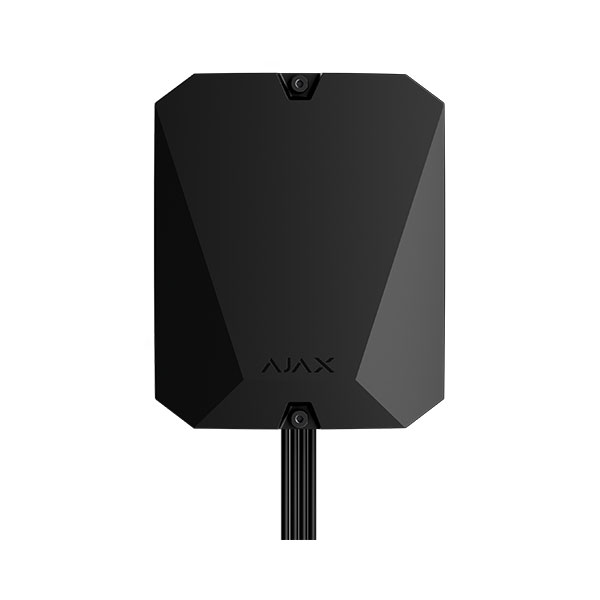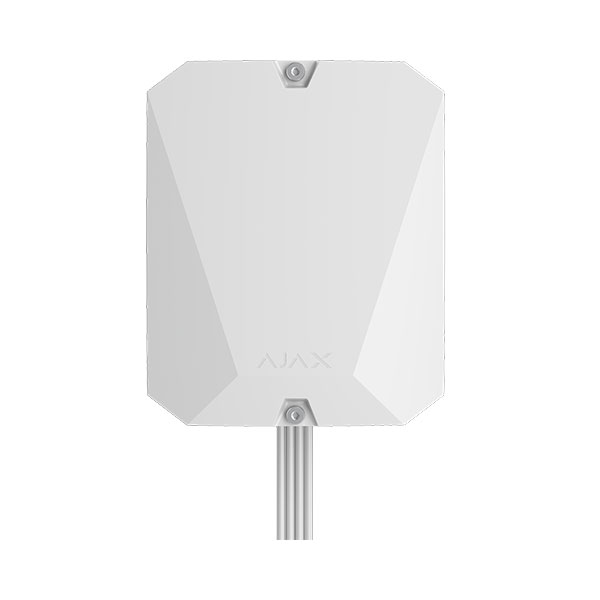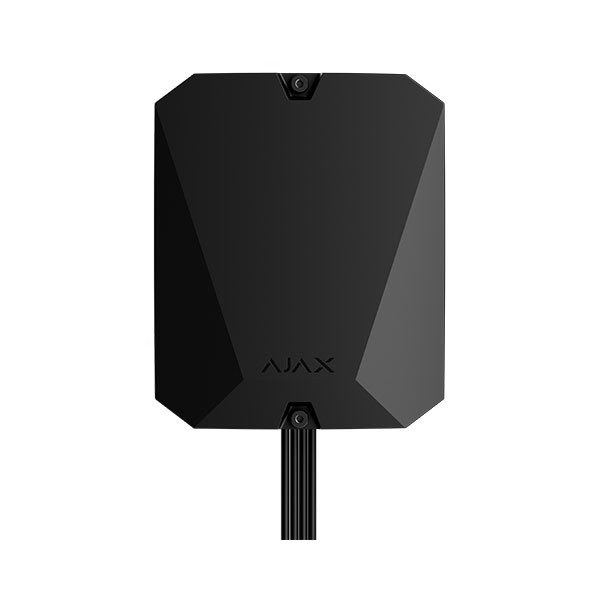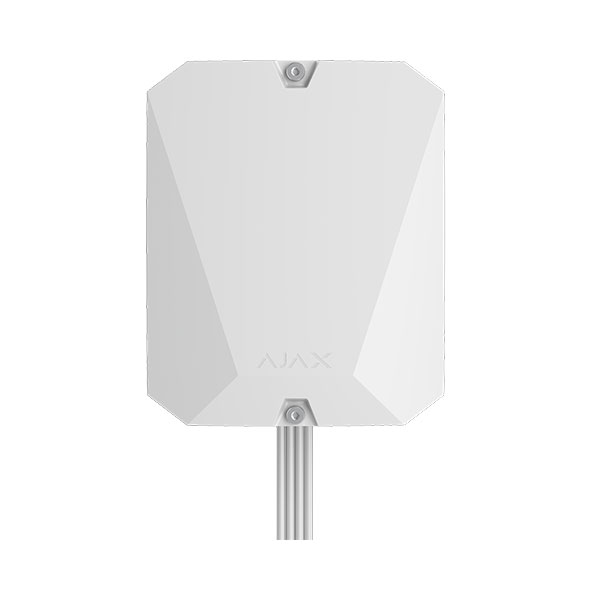








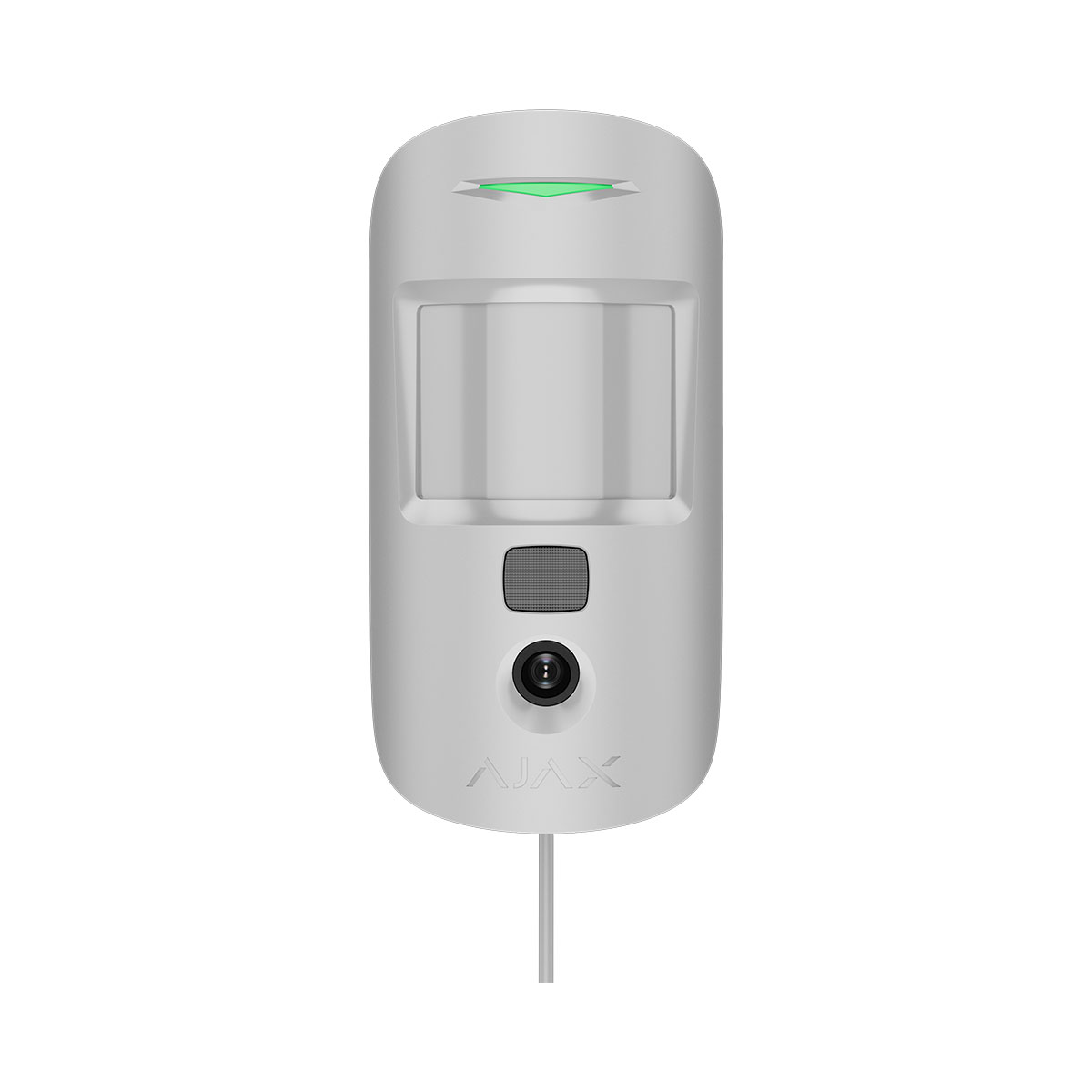
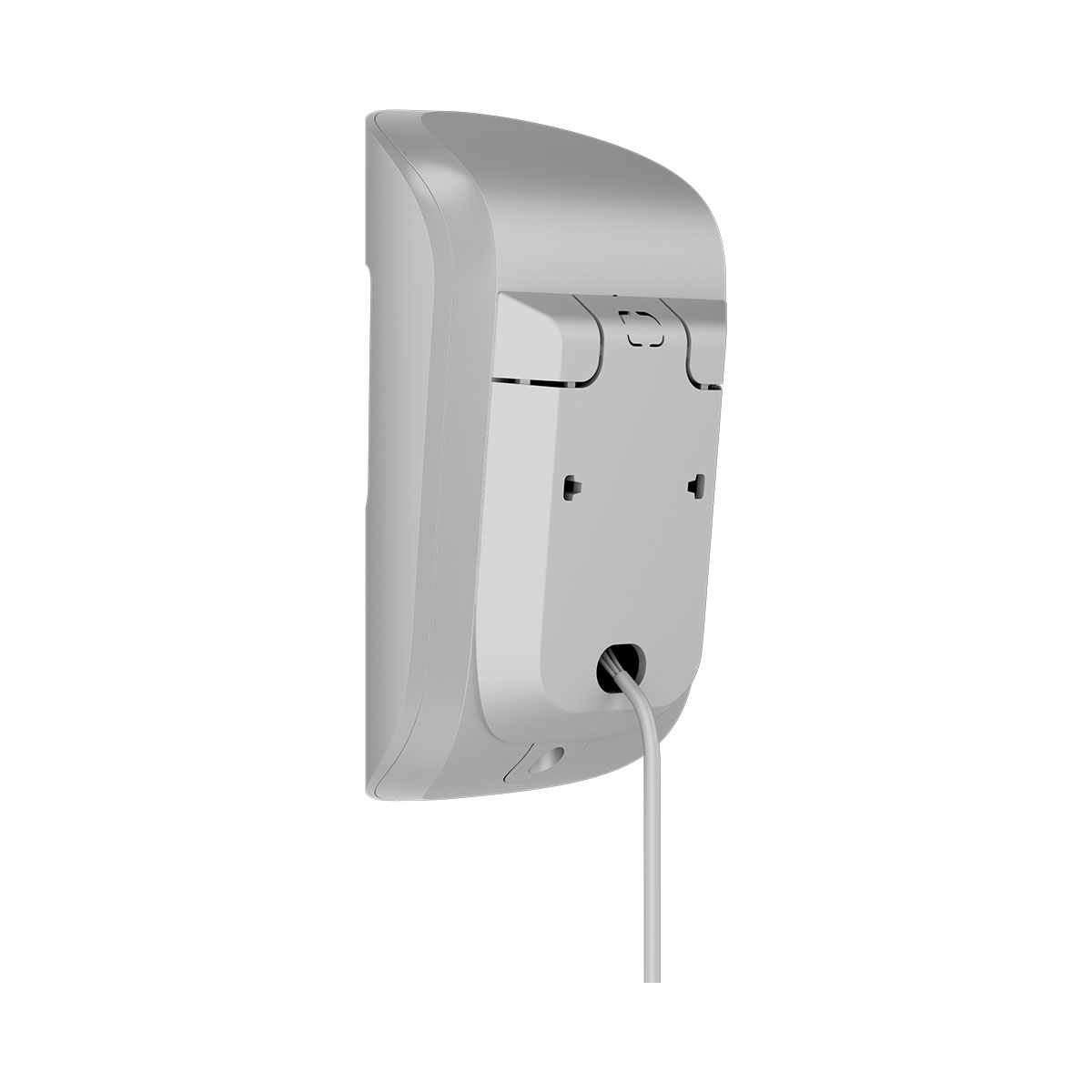
AJAX SYSTEMS AJ-S-MCAM-PHOD-FIBRA-W, SUPERIOR MOTIONCAM (PHOD) FIBRA WHITE
Προσοχή! Τα προϊόντα Ajax Fibra διατίθενται μόνο σε πιστοποιημένους εγκαταστάτες. Αν δεν έχετε ολοκληρώσει τη διαδικασία πιστοποίησης, επικοινωνήστε με το Τμήμα Πωλήσεών μας για να σας καθοδηγήσουμε.
| • Versatile photo verification possibilities: Photo by alarm, Photo on demand, Photo by scenario, Photo by schedule, Photo by arming/disarming • IR illumination for low-light conditions • 9 seconds to deliver the first photo¹ • Vertical viewing angle • Horizontal viewing angle: 88.5° • Up to 12 m motion detection distance • SmartDetect — software algorithm to prevent false alarms • Pet immunity • Temperature compensation for effective detection in heat and cold • Up to 2,000 m communication range with an Ajax hub³ or a module that extends the Fibra line • Low power consumption up to 0.12 W • In-line connection with different types of devices • Fibra wired communication • Encryption • Remote control and configuration • Informative in-app notifications • Adaptability to any conditions with adjustable sensitivity levels: Very high, High, Normal, Low • Compliance: Grade 2 (EN 50131), PD 6662:2017, INCERT |
Superior MotionCam (PhOD) Fibra is a wired IR motion detector supporting Photo by alarm, Photo on demand, Photo by scenario, Photo by schedule, and Photo by arming/disarming features. The device is designed for indoor use only. Detects movement at a distance of up to 12* meters. Ignores pets when installed and configured correctly.
Superior MotionCam (PhOD) Fibra is part of an Ajax system and exchanges data with the hub using the secure Fibra wired communication protocol. Wired communication can be up to 2,000 meters long when connected using the U/UTP cat.5 4×2×0.51 mm (24 AWG) cable.
Superior MotionCam (PhOD) Fibra relates to the Fibra product line of wired devices. Only accredited Ajax Systems partners can buy, install, and administer Fibra products.
Operating principle
Superior MotionCam (PhOD) Fibra is a wired motion detector supporting photo verification. After detecting motion, it takes a series of images, which allows you to assess what is happening at the facility in dynamics. This relieves users of unnecessary anxiety and security companies of unnecessary patrol despatches. When an armed detector identifies motion, it instantly sends an alarm to the hub. Control panel activates the sirens connected to the system, triggers scenarios, and notifies users and the security company. The Ajax app’s log displays all the alarms and events. The notifications contain the hub’s name, the device’s name, and the virtual room to which the detector is assigned. Superior MotionCam (PhOD) Fibra is equipped with a tamper button and a battery. The tamper reacts if someone tries to break or open the lid of the enclosure. If it triggers, the notification is sent to the Ajax apps. The battery is used when the detector takes a photo, activates an IR backlight, and transmits an alarm. This reduces the current consumption on the line to which the detector is connected and increases the autonomy of the detector and the system.
Fibra data transfer protocol
The detector uses Fibra technology to transmit alarms and events. It is a wired data transfer protocol for fast and reliable two-way communication between the hub and connected devices.
Photo verification
Photo verification allows you to assess what is happening in the facility. Four types of photo verification for Superior MotionCam (PhOD) Fibra are available:
- Photo by alarm.
- Photo on demand.
- Photo by scenario.
- Photo by schedule.
- Photo by arming/disarming.
The detector takes Photo by alarm only if the motion is detected and only when the armed mode is on. By default, the Photo by alarm feature is enabled for all detectors. The Photo on demand feature is useful for checking the situation at the facility. Depending on the settings, photos can be taken anytime or when Superior MotionCam (PhOD) Fibra is armed. By default, the Photo on demand feature is disabled for all users. When Photo by scenario is enabled, Superior MotionCam (PhOD) Fibra takes pictures in case of alarm from specified Ajax devices. By default, the Photo by scenario feature is disabled for all detectors. The Photo by schedule feature allows users to create a scenario for motion detectors with photo verification. These detectors will take pictures by schedule. The Photo by arming/disarming feature allows users to receive photos from a built-in camera when the security state changes. With this feature, you can check the situation at the facility when the system is armed, disarmed, or switched to Night mode. A built-in camera can take from 1 to 5 images with a resolution of 160 × 120 and 320 × 240 pixels, as well as up to 3 images with a resolution of 640 × 480 pixels. The detector has an IR backlight for shooting in the dark, which activates with insufficient light. Superior MotionCam (PhOD) Fibra takes black-and-white photos when shooting in these conditions.
Photos are played back in the application as a photo or animated series (if more than 1 photo is taken). The number of pictures is configured in Ajax apps. To view the received photos, click on the Superior MotionCam (PhOD) Fibra notification in the event feed. You can view all the photos from the animated series individually by clicking on the icon at the bottom of the screen. You can save photo verification as video or images by clicking the download icon.
Photo delivery time
The photo delivery time to Ajax apps depends on the image resolution, Fibra signal strength, and Internet connection speed. The alarm messages are delivered immediately, regardless of the settings.
Temperature compensation
Temperature compensation is necessary for the detector’s response to movements, even if the room temperature is close to the human body temperature.
Pet immunity
When properly installed and configured, Superior MotionCam (PhOD) Fibra does not react to pets weighing up to 20 kg and below 50 cm in height.
Sending events to the monitoring station
The Ajax security system can transmit alarms to the PRO Desktop monitoring app as well as the central monitoring station (CMS) in the formats of SurGard (Contact ID), SIA DC-09 (SIA-DCS), ADEMCO 685, and other protocols.
Superior MotionCam (PhOD) Fibra can transmit the following events:
- Motion alarm.
- Superior MotionCam (PhOD) Fibra alarm photo verifications.
- Photo by scenario.
- Photo by schedule.
- Photo by arming/disarming.
- Tamper alarm. Tamper recovery.
- Loss of connection with the hub. Restoration of connection.
- Permanent Deactivation / activation of the detector.
- Alarm due to loss of the main power. Restoration of the main power.
The Ajax devices are addressable, meaning that PRO Desktop app and CMS receive events, device type, assigned name, and location (room, group). The list of transmitted parameters may differ depending on the type of CMS and the selected communication protocol. Photos are sent to the security company monitoring station if the CMS software supports photo verification.
| Technical Specifications | |
| Communication | |
| Fibra communication technology |
Proprietary wired communication technology. Fibra combines the reliability of wires with the freedom of radio connection. It features: |
| Line connection | 4-core cable |
| Fibra line length | up to 2,000 meters |
| Detection | |
| Sensing element | 1 × PIR sensor |
| Motion detection distance | up to 12 meters* |
| Motion detection angles | horizontal — 88.5° |
| Motion detection speed | from 0.3 to 2.0 m/s |
| Sensitivity | 4 levels |
| Pet immunity |
up to 20 kg up to 50 cm height |
| False alarm prevention | SmartDetect |
| Temperature compensation | Effective motion detection within −10°C to +40°C range. |
| Photo verification | |
| Photo by alarm | The built-in camera is activated if the detector is armed and motion is detected. |
| Photo on demand | The user takes pictures at any time or when the detector is armed (depending on settings). The feature is disabled by default. |
| Photo by scenario | The detector’s camera takes pictures automatically when other Ajax detectors are triggered. The feature is disabled by default. |
| Photo by schedule | The detector automatically takes photos at a specified time. This feature is available for hubs with firmware version OS Malevich 2.19 or higher. |
| Photo by arming/disarming | The detector automatically takes photos when the security state is changed. |
| Adjustable photo resolution | 640 × 480 px 320 × 240 px (default) 160 × 120 px |
| IR backlight | For night photography and low light conditions. |
| Series of pictures | from 1 to 5 snapshots |
| Photo delivery | up to 7 s — 160 × 120 px resolution up to 9 s — 320 × 240 px resolution up to 20 s — 640 × 480 px resolution |
| Recommendations |
It is recommended to install the detector at the height of 2.4 meters. The device is designed for indoor use only. |
| Anti-sabotage protection | |
| Tamper alarm | 2 tampers |
| Protection against spoofing | device authentication |
| Main power supply | |
| Detector’s operating voltage range | 7−30 V⎓, up to 367 mW |
| Detector’s nominal operating voltage | 24 V⎓ |
| Quiescent detector’s current consumption at nominal voltage | 0.569 mA |
| Maximum detector’s current consumption at nominal voltage | 15.3 mA |
| Auxiliary power supply | |
| Sealed battery | LTO AA |
| Detector’s nominal operating voltage | 2.4 V⎓ |
| Quiescent detector’s current consumption at nominal voltage | 0.001 µA |
| Maximum detector’s current consumption at nominal voltage | 568.7 µA |
| Enclosure | |
| Dimensions | 135 × 70 × 66 mm |
| Weight of the white device | 160 g |
| Operating temperature range | from −10 °C to +40 °C |
| Operating humidity | up to 75% |
| Protection class | IP50 |
| Complete set | Superior MotionCam (PhOD) Fibra SmartBracket mounting panel Installation kit Quick start guide |