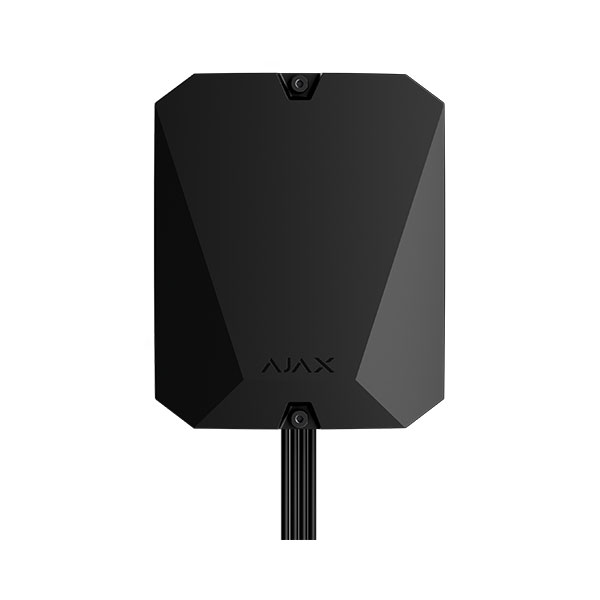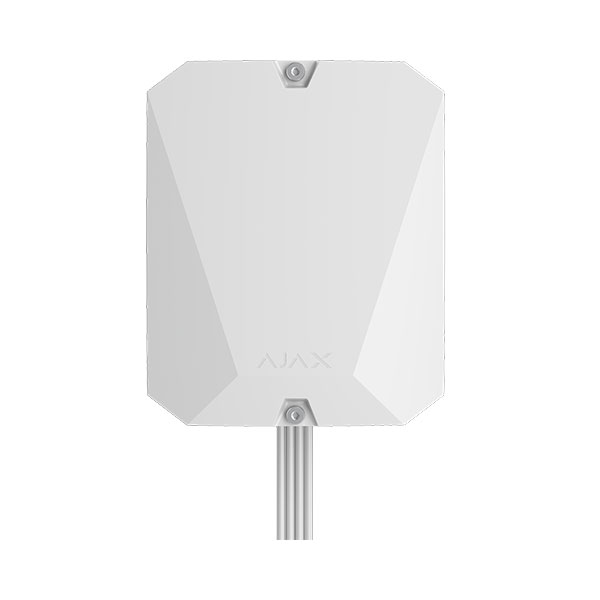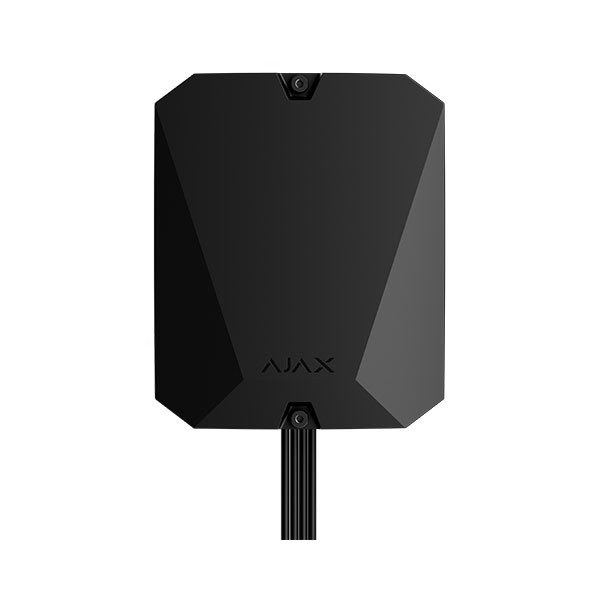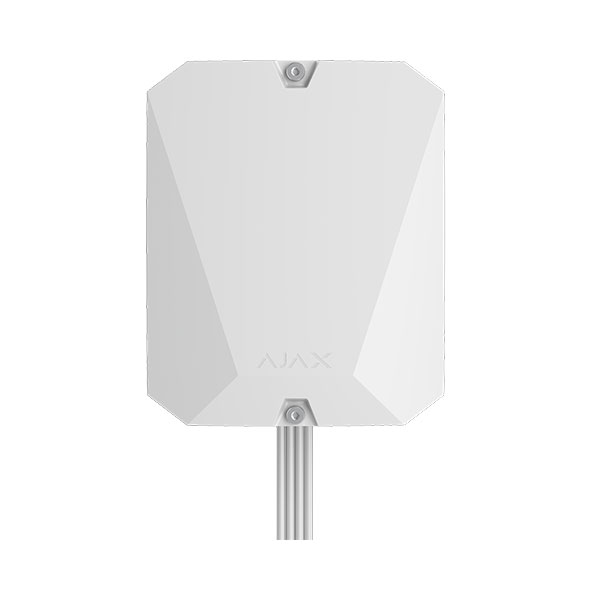



AJAX SYSTEMS AJ-S-KEYPAD-FIBRA-W, SUPERIOR KEYPAD FIBRA WHITE
AJAX SYSTEMS AJ-S-KEYPAD-FIBRA-W, SUPERIOR KEYPAD FIBRA WHITE
Προσοχή! Τα προϊόντα Ajax Fibra διατίθενται μόνο σε πιστοποιημένους εγκαταστάτες. Αν δεν έχετε ολοκληρώσει τη διαδικασία πιστοποίησης, επικοινωνήστε με το Τμήμα Πωλήσεών μας για να σας καθοδηγήσουμε.
| • Security mode indication • Four types of access codes: Keypad code, User codes, Unregistered user codes, RRU codes • Duress codes to activate a silent alarm • Passcode guessing protection • Touch panel • Informative push notifications • Fibra wired communication • Power adjustment • Up to 0.23 W of power consumption from the Fibra line • Up to 2,000 m communication range with an Ajax hub¹ or Fibra line extension module • Built-in panic button • Remote control and configuration • Compliance: Grade 3 (EN 50131), INCERT, SSF, NFA2P, VSO • Connection with other Fibra devices on the line • Tamper alarm |
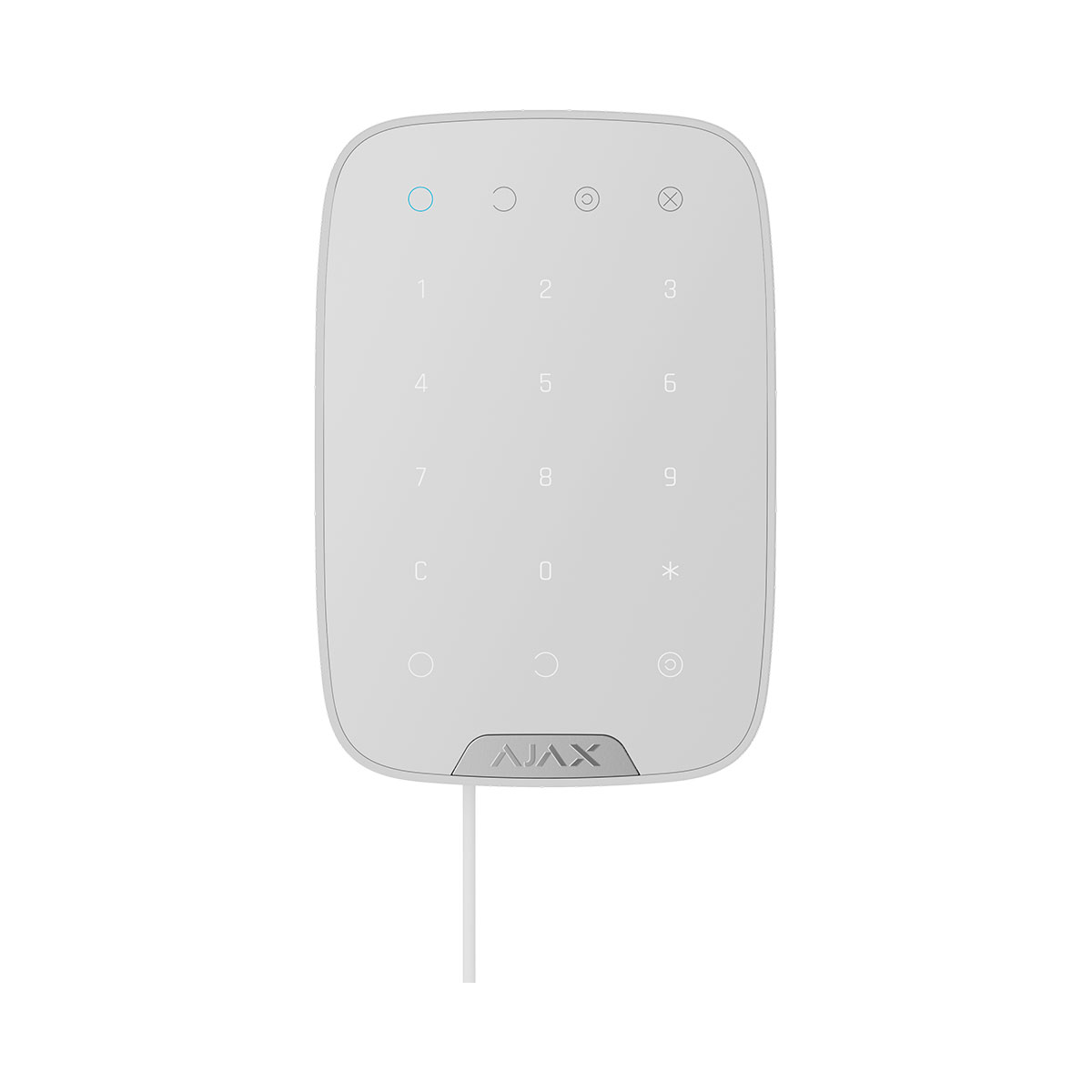
Superior KeyPad Fibra is a wired touch keypad of the Ajax system. Controls the security modes and Night Mode. Supports duress code and protected from access code guessing. When it is active, the LED indication notifies about the security mode.
Superior KeyPad Fibra works as part of the Ajax system, exchanging data with the hub using the secure Fibra wired protocol. The wired connection range is up to 2,000 meters when using a U/UTP cat.5 twisted pair.
Superior KeyPad Fibra is a part of the Ajax Superior product line. Only accredited Ajax Systems partners can sell, install, and administer Ajax Superior products.
Operating principle
Superior KeyPad Fibra is a touch keypad to control the Ajax system. It controls the security modes of the entire object or individual groups and also allows you to enable or disable the Night Mode
You can control the security modes with Superior KeyPad Fibra using general or personal codes. Before entering the code, you should activate the Superior KeyPad Fibra by touching any part of the touch panel.
When the keypad is activated, the backlight turns on, and the built-in speaker beeps. Backlight brightness and keypad volume are adjustable in keypad settings in Ajax apps.
If you do not touch the keypad for 4 seconds, Superior KeyPad Fibra reduces the brightness of the backlight, and 8 seconds later goes into power saving mode and turns off the display.
Access codes
Superior KeyPad Fibra supports from 4 to 6 digit codes. Entering the code should be confirmed by pressing one of the buttons: Arm, Disarm and Night Mode. Any characters typed accidentally are reset with a button “Reset”.
Superior KeyPad Fibra supports code types as follows:
• Keypad code — common access code. Set in the settings of each keypad. When used, all events are delivered to Ajax apps on behalf of the keypad.
• User code — the personal code of the user who has an Ajax account and is linked to the hub. Each system user sets the code independently in the hub settings. When used, all events are delivered to Ajax apps on behalf of the user. The code works for all keypads that are connected to this hub.
• Unregistered user code — the code of the user who does not have an Ajax account. The code is set by an administrator or PRO with system setup rights in the hub settings. When used, events are delivered to Ajax apps with a name associated with this code. The code works for all keypads that are connected to this hub.
• RRU code is an access code for the rapid response units (RRU) activated after the alarm and valid for a specified period. When the code is activated and used, events are delivered to Ajax apps with a title associated with this code.
Superior KeyPad Fibra also supports arming without entering a code, if the Arming without Code function is enabled in the keypad settings. This function is disabled by default.
Duress code
A duress code allows you to simulate alarm deactivation. The Ajax apps and sirens installed at the object will not give you away in this case, and the security company and other users of the security system will be warned about the incident.
Features of the alarm when entering the duress code:
- Security company monitoring station receives an alarm event Disarming under duress. The rapid response team is going to the object.
- All users of the security system receive a notification with no alarm about disarming the system, and the notification is indicated by a red icon.
The keypad supports both common and personal duress codes. The common duress code is set in the keypad settings. The personal duress code is set by the user individually in the hub settings.
Function button
Superior KeyPad Fibra keypad has the Function button. The button can work in one of three modes:
• Alarm — the panic button mode. After pressing, the system sends an alarm to the security company monitoring station and users and activates the sirens connected to the system.
• Mute Interconnected Fire Alarms — after the Function button is pressed, the system disables the sirens of Ajax fire detectors.
• Off — the button is disabled, and after pressing the system does not execute any commands.
Interconnected Fire Alarm muting
Superior KeyPad Fibra can disable interconnected Fire Detectors Alarm by pressing the Function button if configured in Mute Interconnected Fire Alarm mode. The response of the system to pressing the button depends on the settings and the state of the system:
• Interconnected Fire Alarms have propagated — the first pressing of the Function button mutes all fire detector sirens, except for those that registered the alarm. Pressing the button again mutes the remaining detectors.
• Interconnected Alarm Delay Time lasts — pressing the Function button mutes the siren of the triggered Ajax fire detector.
The option works only if the Interconnected Fire Detectors Alarm option is enabled in hub settings.
Unauthorized Access Auto-Lock
If a wrong code is entered three times within one minute, the keypad will be locked for the time specified in its settings. During this time, the hub will ignore all codes, while simultaneously informing the users of the security system about an attempt to guess the code.
A user or PRO with administrator rights can unlock the keypad through the app. Also, unlocking occurs automatically after the lock time specified in the settings expires.
Two-stage arming
Superior KeyPad Fibra participates in arming in two stages. This process is similar to arming with a personal or common code on a keypad. The process should be completed by re-arming with SpaceControl or restoring the terminating detector (for example, closing the door with Superior DoorProtect Fibra installed).
Fibra data transfer protocol
The keypad uses Fibra technology to transmit alarms and events. This is a wired data transfer protocol that provides fast and reliable two-way communication between the hub and the connected devices. Using the bus connection method, Fibra delivers alarms and events instantly, even if 100 devices are connected to the system.
Fibra supports floating key block encryption and verifies each communication session with devices to prevent sabotage and spoofing. The protocol requires regular polling of detectors by the hub with a predetermined frequency to monitor communication and display the status of the system devices in Ajax apps.
Sending events to the monitoring station
An Ajax system can transmit alarms to the PRO Desktop monitoring app as well as the Central Monitoring Station (CMS) using SurGard (Contact ID), SIA DC-09 (ADM-CID), ADEMCO 685, and other proprietary protocols.
Superior KeyPad Fibra can transmit the following events:
- The duress code is entered.
- The panic button is pressed (if the Function button works in the panic button mode).
- The keypad is locked due to an attempt to guess a code.
- Tamper alarm/recovery.
- Loss/recovery of connection between Superior KeyPad Fibra and the hub.
- Activation/deactivation of Superior KeyPad Fibra.
- Unsuccessful attempt to arm the security system.\
When an alarm is received, the monitoring station operator of the security company knows what happened and where the rapid response unit has to be sent. All Ajax devices are addressable, so events, the device type, its assigned name and location (room, group) can be transmitted to PRO Desktop and the CMS. The list of transmitted parameters may differ depending on the type of the CMS and the selected communication protocol.
| Technical specifications | |
| Communication | |
| Fibra communication technology |
Proprietary wired communication technology. Fibra combines the reliability of wires with the freedom of radio connection. It features: • Two-way communication. |
| Line connection | 4-core cable |
| Fibra line length | up to 2,000 meters |
| Key features | |
| Sensor type | Capacitive |
| Security mode indication | Only when Superior KeyPad Fibra is active. |
| Duress code |
50 personal codes 1 general code |
| Functional button |
Panic button Mute fire alarms |
| Codes |
50 personal codes 1 general code |
| ACE Type | Type B |
| Recommendations | Device is designed for indoor use only. |
| Anti-sabotage protection | |
| Keypad’s operating voltage range | 5−26 V⎓, up to 487 mW |
| Keypad’s nominal operating voltage | 24 V⎓ |
| Quiescent keypad’s current consumption at nominal voltage | 0.16 mA |
| Maximum keypad’s current consumption at nominal voltage | 20.3 mA |
| Maximum output peak-to-peak ripple voltage | 220 mV |
| Enclosure | |
| Dimensions | 150 × 103 × 20 mm |
| Weight of the white device | 181 g |
| Operating temperature range | from −10 °C to +40 °C |
| Operating humidity | up to 75% |
| Protection class | IP50, IK04 |
| Complete set |
Superior KeyPad Fibra |